Elasticsearch vector database: Ship in minutes, scale to hundreds of billions
The hard parts of hybrid retrieval are already done. Optimized defaults, third-party and native models, and managed GPU inference are all available out of the box. Build fast, scalable AI apps, not infrastructure.
What should your vector database do for you?




One call, that's all: zero to vector search in minutes
The fastest path to vector search. Opinionated defaults for vector workloads, hybrid search, and two ways to get embeddings.
Bring your content and let us handle the rest.
from elasticsearch import Elasticsearch

client = Elasticsearch(
"https://my-vectordb-project-",

api_key=" ",
)

client.indices.create(
   index="my-vectors",
   mappings={
       "properties": {
           "vector": {"type": "dense_vector"},
           "text": {"type": "text"},
       }
   },
)


client.index(
   index="my-vectors",
   document={
       "text": "Elasticsearch is a search engine.",
       "vector": [0.12, -0.04, 0.88, 0.21, 0.55],
   },
)
from elasticsearch import Elasticsearch

client = Elasticsearch(
"https://my-vectordb-project-",

api_key=" ",
)

client.indices.create(
   index="my-vectors",
   mappings={
       "properties": {
           "vector": {"type": "dense_vector"},
           "text": {"type": "text"},
       }
   },
)


client.index(
   index="my-vectors",
   document={
       "text": "Elasticsearch is a search engine.",
       "vector": [0.12, -0.04, 0.88, 0.21, 0.55],
   },
)
Elasticsearch: More than just vectors, loved by developers
No gaps or compromises. Optimized defaults. Hybrid retrieval. Everything works together, because it was built this way.
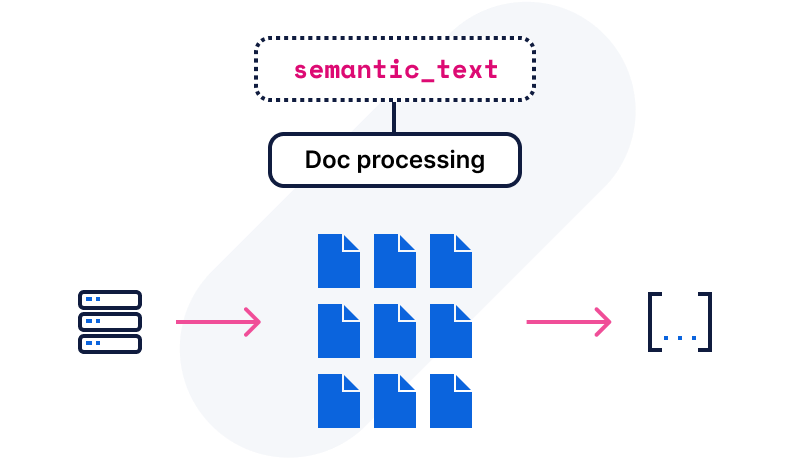
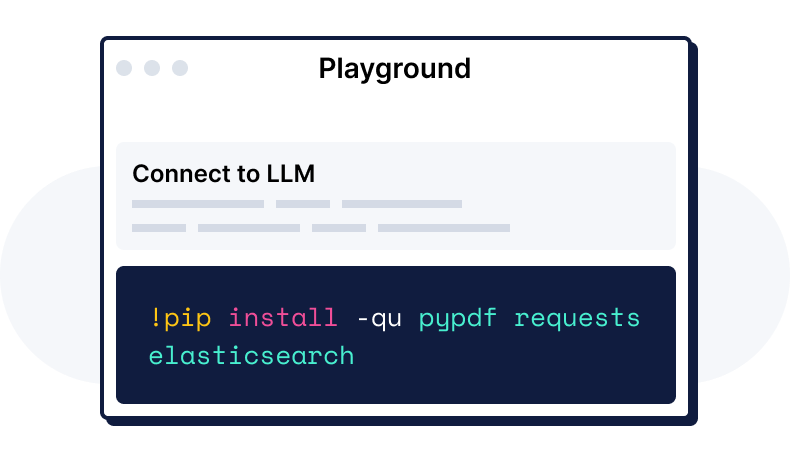
Build with Elasticsearch vector database


Vector DB, and the rest of what you actually need
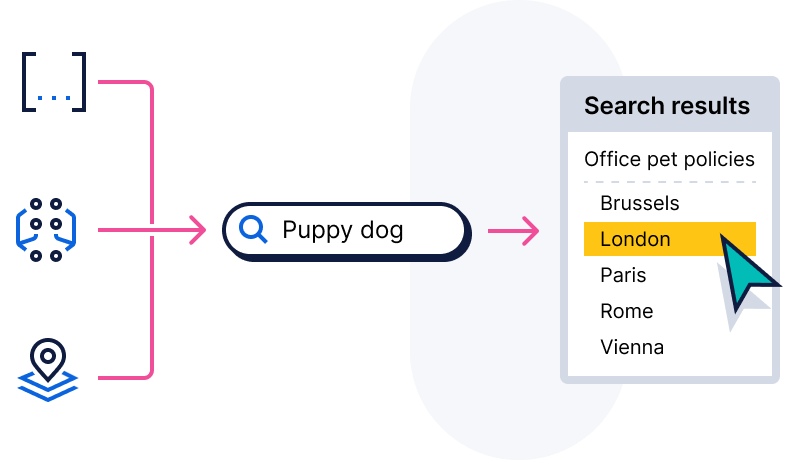
Real-world vector search needs more than vectors. Combine semantic search with filters, security, structured fields, and BM25 ranking in a single query, no stitching required.

A high-quality neighborhood
From prompt to product, how teams are building with Elasticsearch vector database.
Customer spotlight

FRAIM uses Elasticsearch to build a knowledge search platform for the AI era, natively consolidating text and vector search to cut its overall search platform costs by over 50% and significantly accelerate the development of RAG and AI agents.
Customer spotlight

WP Engine uses Elasticsearch to bring AI innovation to WordPress websites, leveraging native Google Cloud integrations to reduce AI feature development time from weeks to hours and deliver 5ms search response times with zero downtime.
Customer spotlight

Adobe scales, manages multiple use cases, and puts machine learning features to work with Elastic.
Results, by the numbers.
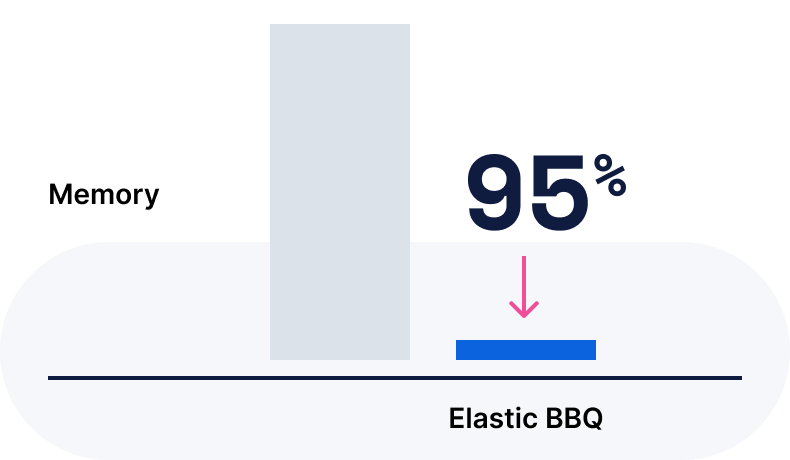
Elasticsearch vector Database performance benchmarks and results.



Get started: Resources for every stage of the build
Frequently asked questions
A vector database stores information as vectors, which are numerical representations of data objects, also known as vector embeddings. It uses vector embeddings for multimodal search across a massive dataset of structured, unstructured, and semi-structured data, such as images, text, videos, and audio. Vector databases are built to manage vector embeddings and therefore offer a complete solution for data management.
Vector embeddings use a machine learning model to translate text into numbers, allowing you to perform vector searches. By converting data into vectors, embeddings make it easier to compare, search, and analyze similarities between items in this space.
A vector database offers efficiency at scale by enabling seamless data migration across on-premises, air-gapped, and sovereign cloud environments and providing storage for vector embeddings.
Vector databases excel at similarity search, allowing you to find related items easily, which is essential for recommendation systems, image search, and content discovery. With semantic search capabilities, they go beyond simple keyword matching to deliver results based on meaning and context. By storing vector embeddings, they support AI and machine learning applications, making it easier to deploy natural language processing (NLP) and recommendation models. For organizations in regulated or classified environments — government, defense, and financial services — Elasticsearch supports fully on-premises and air-gapped deployments with no external connectivity required.
Yes, Elasticsearch is the world's most widely deployed, open source vector database, offering you an efficient way to create, store, and search vector embeddings at scale. With Elastic's enterprise-ready vector database, you achieve fast query times and optimal performance, even with rapidly changing data. Built to scale, it delivers relevant, personalized search results while simplifying development processes.
Elasticsearch is the world's most downloaded vector database, purpose-built to help developers deliver high-precision search and scalable AI experiences faster and at lower costs. By combining vector, keyword, and full-text search in a single system with native embedding models, inference, reranking, and hybrid retrieval, Elastic eliminates complex pipelines and glue code so teams ship faster without sacrificing relevance. Elastic automatically distributes and rebalances workloads across petabytes of data with zero downtime, and flexible deployment options across public cloud, on-premises, and fully air-gapped networks pair with built-in security, regulatory compliance, and consumption-based pricing to keep performance high and costs low at any scale.
Yes. Elasticsearch is fully deployable on-premises — on bare metal, in a private cloud, or in completely air-gapped networks with no external connectivity. Government agencies, defense contractors, and regulated enterprises use Elastic Cloud Enterprise (ECE) to orchestrate on-premises Elasticsearch clusters at scale, including in classified and disconnected environments. All vector search, hybrid search, and RAG capabilities available on Elastic Cloud are equally available in on-premises deployments.